---
title: Realize Theme for HubSpot CMS - Theme Settings Module
description: Realize Theme for HubSpot CMS Documentation - Theme settings Module
---
[](https://theme.resonatehq.com)
Templates
[Home Page](https://pages.resonatehq.com/themes/realize/templates/home-example)
[Product Page](https://pages.resonatehq.com/themes/realize/templates/product-page)
[CMS Page](https://pages.resonatehq.com/themes/realize/templates/cms-template)
[Webinar](https://pages.resonatehq.com/themes/realize/templates/webinar2)
[Landing Page](https://pages.resonatehq.com/themes/realize/templates/landing-page)
[FAQ Page](https://pages.resonatehq.com/themes/realize/templates/faq-page)
[Pillar Page](https://pages.resonatehq.com/themes/realize/templates/pillar-page-sample)
[Webinar 2.0](https://pages.resonatehq.com/themes/realize/templates/webinar-1)
[Blog Listing Page](https://pages.resonatehq.com/themes/realize/templates/blog)
Features
[Lottie Files Support](https://pages.resonatehq.com/themes/realize/lottie-files-hubspot-cms)
[Pillar Pages](https://pages.resonatehq.com/themes/realize/templates/pillar-page-sample)
Support
[Get Started with Realize Theme](https://pages.resonatehq.com/themes/realize/support)
[Theme Settings](https://pages.resonatehq.com/en/themes/realize/documentation/theme-settings)
[Styles](https://pages.resonatehq.com/en/themes/realize/documentation/theme-settings-styles)
[Modules](https://pages.resonatehq.com/en/themes/realize/documentation/theme-settings-modules)
[Header](https://pages.resonatehq.com/en/themes/realize/documentation/theme-settings-header)
[Footer](https://pages.resonatehq.com/en/themes/realize/documentation/theme-settings-footer)
en
[Get Theme](https://app.hubspot.com/ecosystem/4383235/marketplace/website/realize-theme-by-resonate)
Templates
[Home Page](https://pages.resonatehq.com/themes/realize/templates/home-example)
[Product Page](https://pages.resonatehq.com/themes/realize/templates/product-page)
[CMS Page](https://pages.resonatehq.com/themes/realize/templates/cms-template)
[Webinar](https://pages.resonatehq.com/themes/realize/templates/webinar2)
[Landing Page](https://pages.resonatehq.com/themes/realize/templates/landing-page)
[FAQ Page](https://pages.resonatehq.com/themes/realize/templates/faq-page)
[Pillar Page](https://pages.resonatehq.com/themes/realize/templates/pillar-page-sample)
[Webinar 2.0](https://pages.resonatehq.com/themes/realize/templates/webinar-1)
[Blog Listing Page](https://pages.resonatehq.com/themes/realize/templates/blog)
Features
[Lottie Files Support](https://pages.resonatehq.com/themes/realize/lottie-files-hubspot-cms)
[Pillar Pages](https://pages.resonatehq.com/themes/realize/templates/pillar-page-sample)
Support
[Get Started with Realize Theme](https://pages.resonatehq.com/themes/realize/support)
[Theme Settings](https://pages.resonatehq.com/en/themes/realize/documentation/theme-settings)
[Styles](https://pages.resonatehq.com/en/themes/realize/documentation/theme-settings-styles)
[Modules](https://pages.resonatehq.com/en/themes/realize/documentation/theme-settings-modules)
[Header](https://pages.resonatehq.com/en/themes/realize/documentation/theme-settings-header)
[Footer](https://pages.resonatehq.com/en/themes/realize/documentation/theme-settings-footer)
[Get Theme](https://app.hubspot.com/ecosystem/4383235/marketplace/website/realize-theme-by-resonate)
##### Ultimate HubSpot CMS Hub Theme
# Realize Theme Modules

## Module library
Summary
[Hero](https://pages.resonatehq.com/en/themes/realize/documentation/theme-settings-modules#chapter_1)
[Tiles](https://pages.resonatehq.com/en/themes/realize/documentation/theme-settings-modules#chapter_2)
[Logos](https://pages.resonatehq.com/en/themes/realize/documentation/theme-settings-modules#chapter_3)
[Tabs](https://pages.resonatehq.com/en/themes/realize/documentation/theme-settings-modules#chapter_4)
[Accordion](https://pages.resonatehq.com/en/themes/realize/documentation/theme-settings-modules#chapter_5)
[Text modules](https://pages.resonatehq.com/en/themes/realize/documentation/theme-settings-modules#chapter_6)
[CTA](https://pages.resonatehq.com/en/themes/realize/documentation/theme-settings-modules#chapter_7)
[Images gallery](https://pages.resonatehq.com/en/themes/realize/documentation/theme-settings-modules#chapter_8)
[Pricing](https://pages.resonatehq.com/en/themes/realize/documentation/theme-settings-modules#chapter_9)
[Quotes](https://pages.resonatehq.com/en/themes/realize/documentation/theme-settings-modules#chapter_10)
[Recent posts](https://pages.resonatehq.com/en/themes/realize/documentation/theme-settings-modules#chapter_11)
[Form](https://pages.resonatehq.com/en/themes/realize/documentation/theme-settings-modules#chapter_12)
## Hero

This module is a great solution for the page opening. It helps visitors understand the theme of your page. Add a CTA, background, an image, or a video.
## Tiles
-png.png)
Multifunctional module suitable for various tasks.
Replace an image with icons to display features, services, etc.
Instead of an image, add a picture of your team if you would like to highlight your personnel.
## Logos

Use the Logos module to add logos of your partners or clients. Upload logos, customize the size, and add links. You can choose the image type of your logos:
- grid;
- infinite slider;
- standart slider.
## Tabs
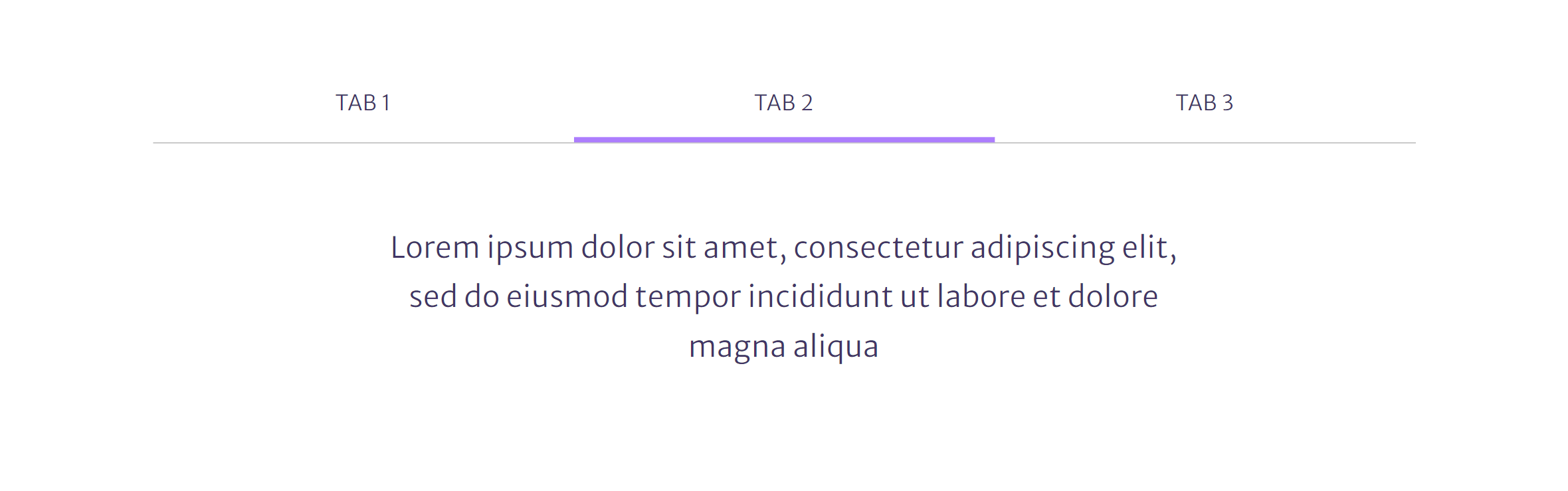
Use this module, if you would like to add a large piece of similar content. It makes the whole content look compact.
## Accordion

Like the Tabs module, this one helps placing a large piece of content. A perfect solution for the FAQ pages.
## Text 1 column
## 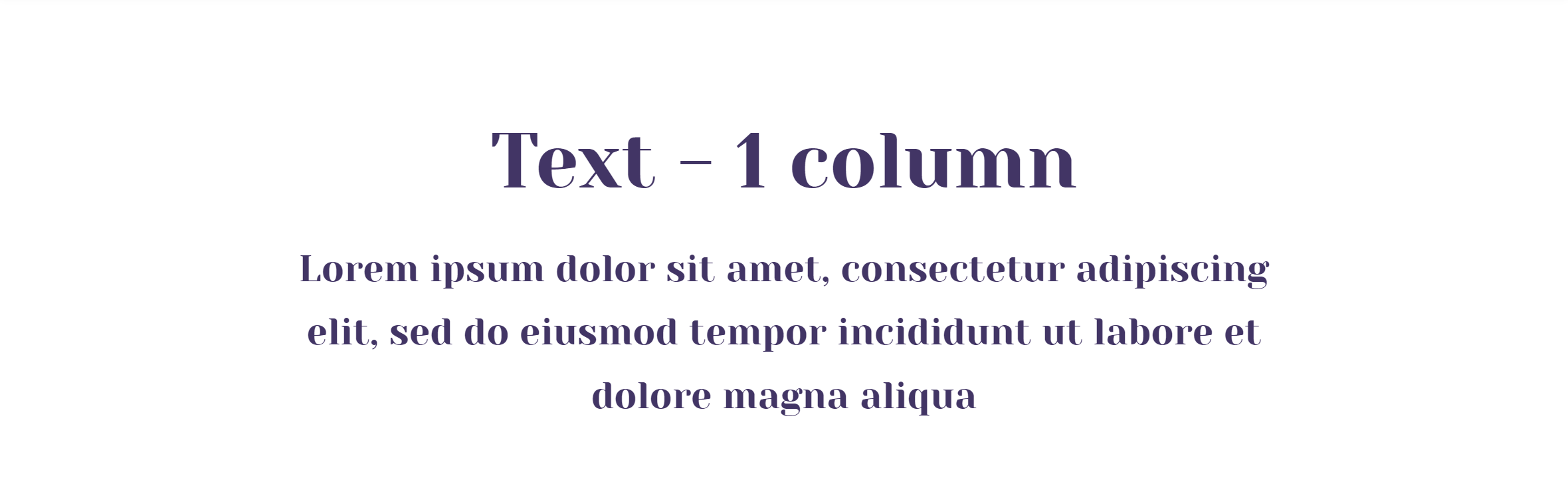
A standard module for adding and editing text.
## Text 2 columns
## 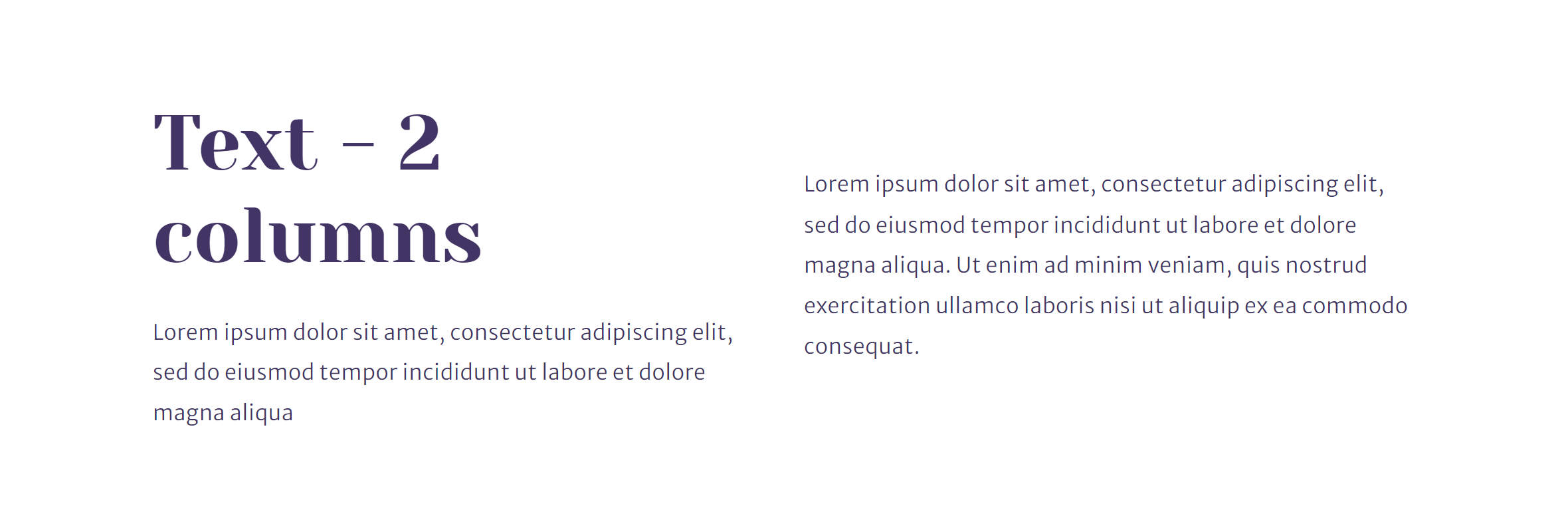
Perfect solution for displaying text in two columns with customizable column width.
## Text & Image
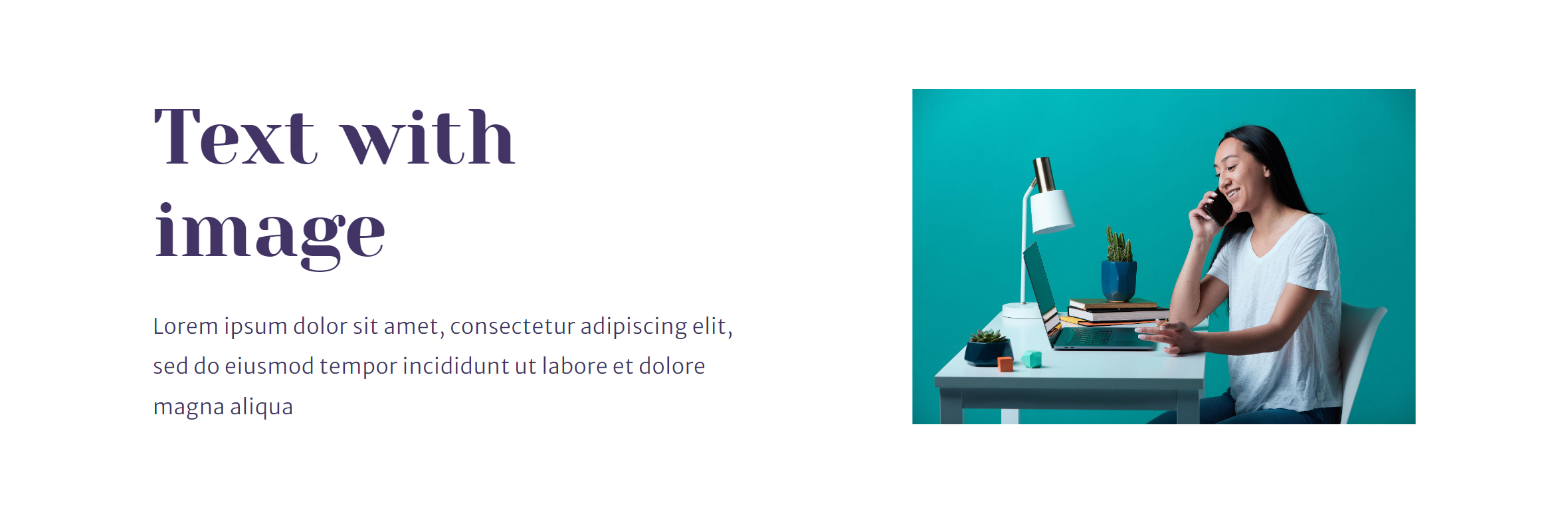
This module displays text and an image in two columns. You can change the display order of these elements.
## CTA

Use the CTA module to add buttons on pages. Various range of button designs and functionality.
## Images gallery

Easy to use module to display various number of images. Offers a possibility to add text for each image.
## Pricing

User-friendly module helps you create tables with prices. You can customize any of the following:
- name;
- description;
- list of benefits;
- price (with/without a discount).
If needed, you can add a tag for any element from the list. CTA will help converting website visitors to customers.
## Quotes
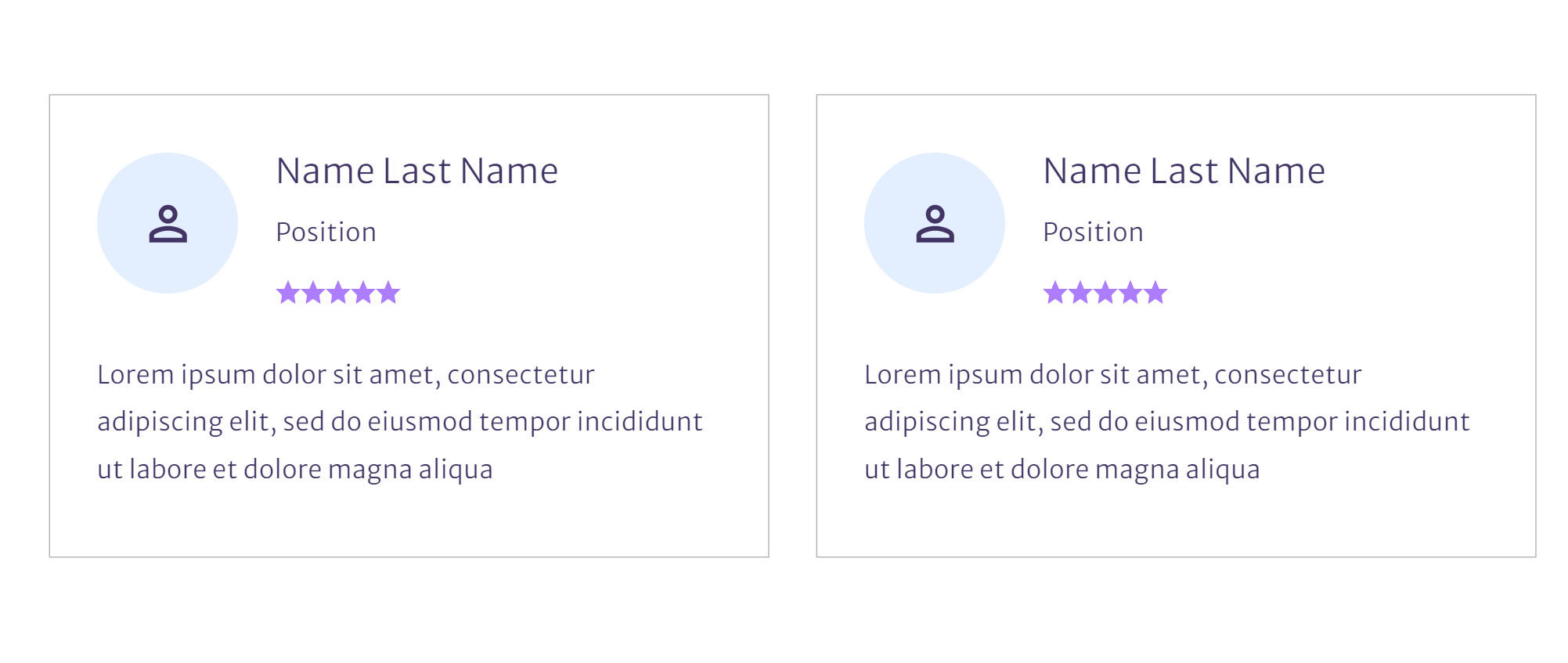
Use this module to show your customers’ reviews or any quotes. Offers customization of the author: name, position, image, and rating (5 stars).
## Recent posts
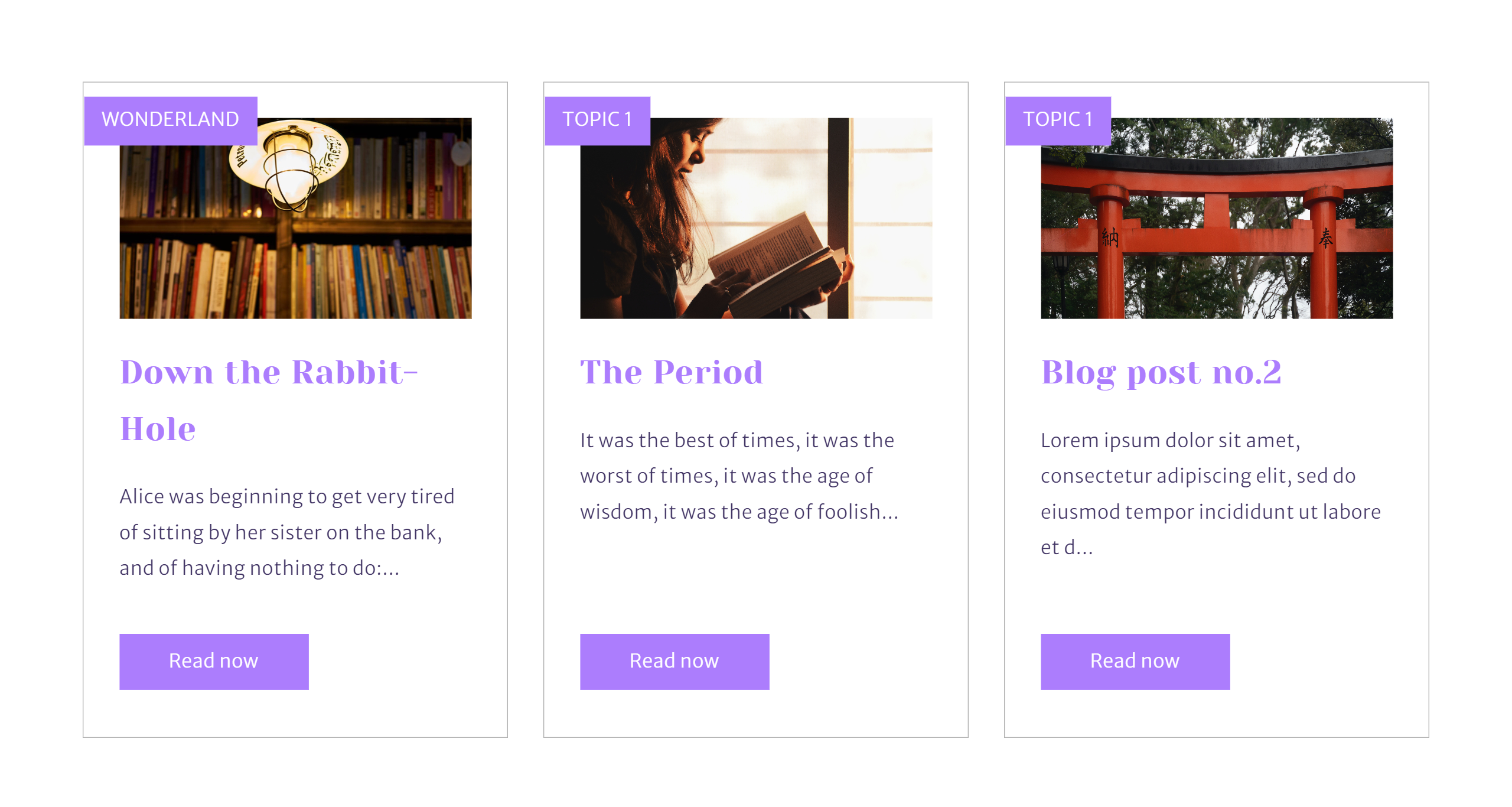
Shows the most recent posts of a selected blog. You can customize how many posts to show.
## Form

Use the Form module to add text and existing forms. This module helps customizing style of all components of the content.
[Go to the next chapter](https://pages.resonatehq.com/en/themes/realize/documentation/theme-settings-header)
## Get Support
Didn't find an answer? Please contact us if you have issues or new requests
Submit a Ticket/Request
[](https://theme.resonatehq.com)
en
[Templates](https://pages.resonatehq.com/en/themes/realize/documentation/theme-settings-modules#test)
[Home Page](https://pages.resonatehq.com/themes/realize/templates/home-example)
[Product Page](https://pages.resonatehq.com/themes/realize/templates/product-page)
[CMS Page](https://pages.resonatehq.com/themes/realize/templates/cms-template)
[Webinar](https://pages.resonatehq.com/themes/realize/templates/webinar2)
[FAQ Page](https://pages.resonatehq.com/themes/realize/templates/faq-page)
[Pillar Page](https://pages.resonatehq.com/themes/realize/templates/pillar-page-sample)
[Webinar 2.0](https://pages.resonatehq.com/themes/realize/templates/webinar-1)
[Blog Listing Page](https://pages.resonatehq.com/themes/realize/templates/blog)
[Blog Post](https://pages.resonatehq.com/themes/realize/templates/blog/blog-post-no.1)
Features
[Lottie Files Support](https://pages.resonatehq.com/themes/realize/lottie-files-hubspot-cms)
[Pillar Pages](https://pages.resonatehq.com/themes/realize/templates/pillar-page-sample)
[Support](https://pages.resonatehq.com/themes/realize/support)
[Get Started](https://pages.resonatehq.com/themes/realize/support)
[Theme Settings](https://pages.resonatehq.com/en/themes/realize/documentation/theme-settings)
[Styles](https://pages.resonatehq.com/en/themes/realize/documentation/theme-settings-styles)
[Modules](https://pages.resonatehq.com/en/themes/realize/documentation/theme-settings-modules)
[Header](https://pages.resonatehq.com/en/themes/realize/documentation/theme-settings-header)
[Footer](https://pages.resonatehq.com/en/themes/realize/documentation/theme-settings-footer)
[By Resonate](https://www.resonatehq.com/)
[Privacy policy](https://pages.resonatehq.com/privacy-policy)
© 2026 [Resonate](https://resonatehq.com). Built with [Realize](https://app.hubspot.com/l/ecosystem/marketplace/assets/themes/realize-theme-by-resonate)